If you’re looking for how to add a podcast to Facebook, you’ve come to the right place! unfortunately, Facebook shuts down its podcast hosting service Back in June 2022.
The good news is that, although you can no longer add podcasts to Facebook via RSS feed, Facebook is still one of the largest platforms in the world. There’s a lot you can do to promote your show there and grow your audience.
If you’re looking for how to add a podcast to Facebook, this guide will show you what will actually work in 2026.
Why does Facebook still matter for podcasters?
Facebook has over 3 billion monthly active users. This is a huge group of potential listeners. The key is being consistent and giving people a reason to click play.
Here’s how to do it.
Create a dedicated Facebook page for your show
If you don’t already have one, set up a Facebook page specifically for your podcast. This keeps your show separate from your personal profile and gives listeners a place to follow you, find past episodes, and engage with your content.
Your page should contain:
- Your podcast cover art as a profile photo
- A banner image that reinforces your show’s theme or brand
- A clear, keyword-rich description of what your podcast is about and who it’s for
- Link to your podcast website or your RSS.com public podcast page in bio
Once your page is set up, treat it like a content hub for your show.
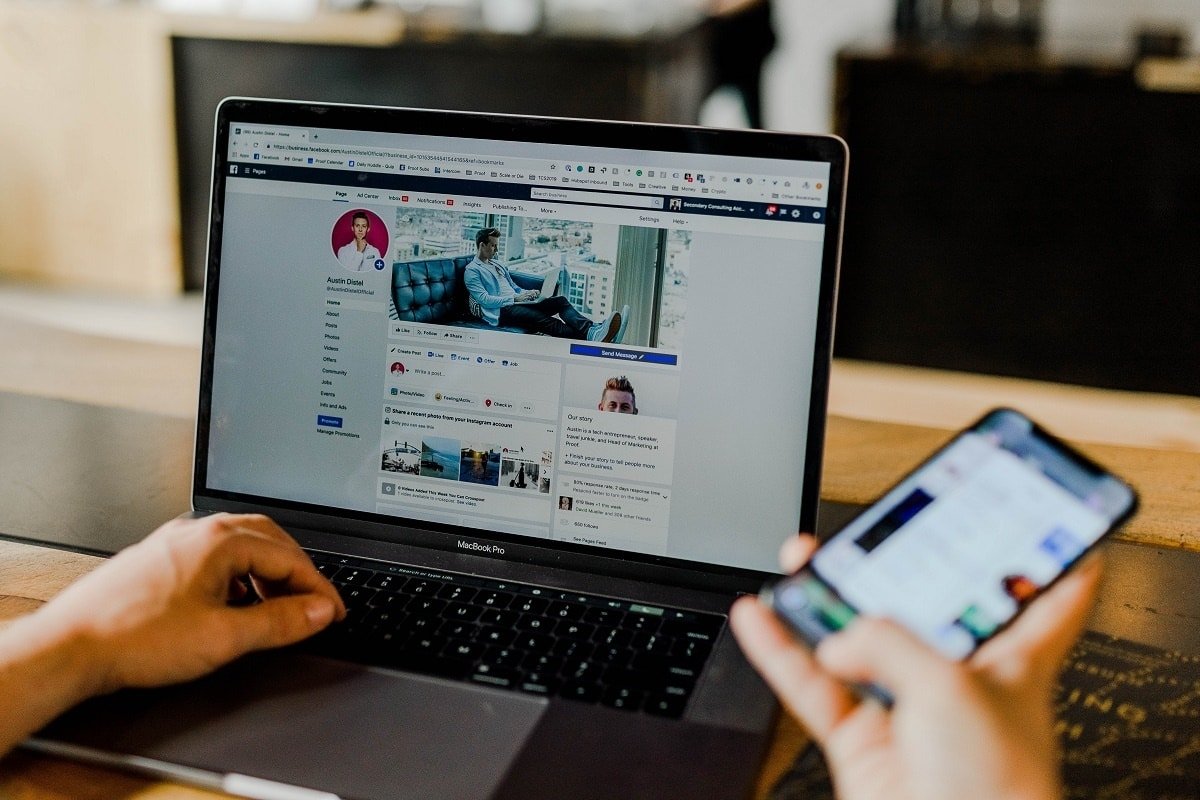
Here is an example of facebook page For the podcast hosted by our social media strategist Ashley for her podcast More Movement Please:
Share new episodes as posts
Whenever a new episode comes out, share it on your Facebook page. Keep the copy short and direct. Tell people what the episode is about and why they should listen.
Some suggestions:
- Lead with the most interesting thing about the episode, a surprising detail, a powerful quote from a guest, or the main takeaway.
- Include a direct link to the episode so people can click directly to listen
- Ask a question in a post to encourage comments and increase reach
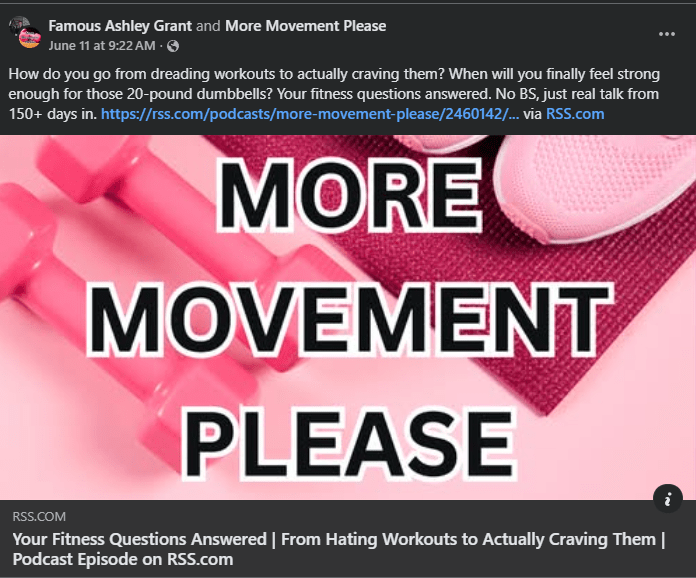
From your RSS.com dashboard, you can share new episodes to Facebook in one click. The social sharing tool automatically pulls in your episode’s title and link, so you can customize messages and posts in seconds.
Here’s an example of how a social media post will look on your page when shared from your RSS.com dashboard:
Use Facebook Reels and Video Clips
Short video clips are the best way to get your podcast discovered on Facebook right now. Reels typically get stronger organic reach than text or link posts.
Some ways to use video for your podcast on Facebook:
- Pull a 30 to 60 second clip of a great moment from the episode and post it as a Reel
- Use audiograms (animated audio waves with captions) which work well as short-form video content. If you have an RSS.com paid plan, you can create audiograms of your show for free using our Podviz technology. Then, simply edit them into smaller clips using your favorite video editor such as Clipchamp, Opus Clip, or CapCut.
- Record a quick 30-second “What We’re Talking About This Week” video along with the episode link.
You don’t need a large production setup. A short, original clip of the best moment of your episode is enough.
Here’s an example of what RSS.com’s audiograms look like:
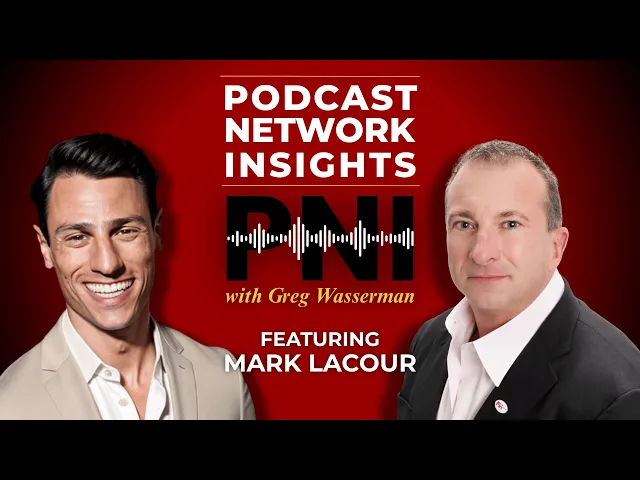
This show is Podcast Network Insights, and it’s hosted by our Head of Relationships, Greg Wasserman.
Build community with Facebook groups
A Facebook Page broadcasts to your audience. A Facebook group gives them a place to talk to each other.
Groups can work really well for podcasts with a specific topic or engaged community. Listeners can share reactions to episodes, ask questions, and connect with other fans of the show. You can use groups to gather topic ideas, run surveys, and build the kind of loyalty that keeps people coming back week after week.
You can run both a Page and a Group, and link them together in Facebook’s settings so they stay connected.
Consider Facebook Ads
If you want to reach a new audience faster, Facebook’s advertising platform lets you target people based on interests, location, age, and more. You can run a small campaign promoting your best episodes or your show in general.
You don’t need a huge budget to test this. Even a small spend can help you figure out what type of creative and copy resonates with new audiences before you scale up.
be persistent
Any post is not going to build an audience. What works is showing up regularly, sharing good content, and making it easy for people to find and listen to your show.
Share directly to your Facebook account from your RSS.com dashboard. Simply use our one-click sharing whenever a new episode goes live. This way, promotion becomes part of your publishing workflow rather than an afterthought.
Want to learn more? watch our video How to promote your podcast on social media and attract new listeners!
Are you ready to start your own podcast or switch to a host that makes promotion easy? Get started for free with RSS.com.